Manager WorkTop application with AI
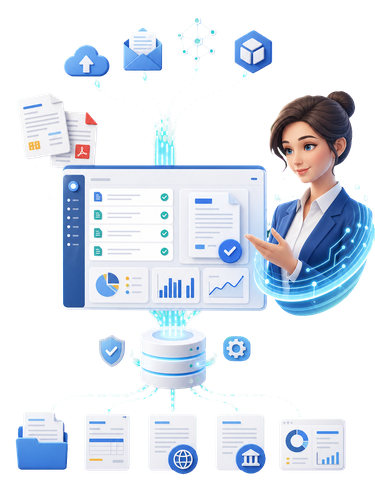
Manager WorkTop is a comprehensive cloud solution for managing company operations. It connects invoicing, inventory, accounting, HR, production, documents and reporting in one system. AI helps users work faster, learn the application, prepare insights and suggest optimal workflows for everyday business management.
AI management and creative content
Manager WorkTop uses AI to guide users while they work with the application. It can explain screens, recommend the next step, prepare a report or warn about data issues. In the cloud environment it also supports teamwork, document management and fast decisions based on current company data.
AI assistance and intelligent control
The AI layer helps users understand individual modules, explains field meanings and prepares recommended workflows. For reports and dashboards, it can suggest suitable indicators, filters and charts based on company needs. The goal is that users do not need to know every system option in advance; the application gradually guides them toward efficient work.
modern document management
The Manager WorkTop cloud architecture connects users, documents, reports and business processes over the internet. AI can help process invoices, search data, build dashboards, train users and collect feedback and reported issues from the application.

Economics and Accounting module
Accounting software is a tool designed to manage and automate financial processes in business, allowing for more efficient work and accuracy in accounting. This type of software is ideal for small and large businesses that need to manage their finances reliably and without complications.
Main features of accounting software:
- Invoice management: Creating, recording and tracking invoice payments.
- Accounting for costs and revenues: Automatic categorization of financial transactions based on set rules.
- VAT and tax statements: Generate reports needed for tax authorities and calculate VAT.
- Bank details: Integration with bank accounts to track transactions in real-time.
- Report generation: Reports of profits, losses, cash flow, and the overall financial health of the business.
- Payroll and Human Resources: Manage payroll, tax obligations, and other employee expenses (if integrated).
- Safety: Encrypted data storage to protect financial data from unauthorized access.
- Multi-currency support: Suitable for businesses with international clients or branches.
Accounting software not only provides accuracy but also saves time that would otherwise be required for manual account keeping. With its intuitive interface and automated features, it is easy to use and meets the needs of modern entrepreneurs.
The Manager WorkTop AI team helps users handle business processes faster, more accurately and with lower costs.

- Eva - AI Accountant, Manager WorkTop

Human Resources and Payroll Module
The HR and payroll app is designed to simplify and automate processes related to employee and payroll management. It is an ideal solution for companies that want to improve the efficiency of their HR agenda while ensuring accuracy and compliance with legal requirements.
The main features of the HR and payroll app:
- Employee management: Storing and managing personal data of employees, job positions, contracts and attendance.
- Calculation of wages: Automated payroll processing, including the calculation of taxes, levies and benefits.
- Attendance records: Ability to track arrivals, departures, breaks and overtime of employees.
- Legislative Compliance: Updates to the latest labor laws and rules for seamless payroll management.
- Document generation: Automatic creation of payslips, receipts and other documents.
- Reports and analyses: Clear reports on labor costs, employee productivity or trends in human resources.
- Integration: Possibility of interconnection with existing accounting systems and financial management software.
- Access to data: Web and mobile interfaces allowing managers and employees to access important information.
"If you have a specific idea or area that you would like to focus on, we will be happy to elaborate on it in more detail!"

- David - AI HR Manager, Manager WorkTop

Finance and invoicing module
An invoicing app is a tool that is designed to simplify and automate the process of managing invoices and related financial data. Such applications are ideal for small, medium, and large businesses that want to optimize their billing process.
Key features of the billing app:
- Creating and customizing invoices: It allows you to easily create invoices with the ability to edit templates, add a logo and choose colors according to your corporate identity.
- Payment Tracking: It provides an overview of paid, delayed, and unpaid invoices.
- Automated Reminders: Automatically notifies clients of invoice due via email or.
- Customer Management: It stores customer data such as contact information, payment history, and statistics.
- Export and reports: It allows you to generate invoicing reports that can be exported to PDF, Excel or other formats.
- Integration with accounting systems: Compatibility with accounting software for data synchronization and account management.
- Multilingual and Multi-Currency Support: Possibility of invoicing in different languages and currencies for international clients.
- Pairing PDF invoices: PDF invoice parsing is a process that allows you to automatically read and extract data from PDF invoices. This tool is especially useful for businesses that process a large number of invoices and need to save time by manually entering data.
Invoicing applications make it easier to manage finances, save time and reduce administrative burden. Their intuitive interface and functionality make them an essential tool for modern business.
"If you have a specific area or function that you want to elaborate on more, we will be happy to do so!"

- Martin - AI Invoice Manager, Manager WorkTop

Parsing PDF invoices
PDF invoice parsing is a process that allows you to automatically read and extract data from PDF invoices. This tool is especially useful for businesses that process a large number of invoices and need to save time by manually entering data.
How PDF invoice parsing works:
- To upload a document: The user uploads the PDF invoice to the application or system.
- Text Recognition (OCR): The system uses optical character recognition (OCR) technology to "read" text even from scanned documents.
- Data extraction: The automated process identifies and selects important information such as invoice number, date, amount, supplier details, bank details, and VAT.
- Data validation: The extracted data is compared with existing records or rules (for example, checking the accuracy of the VAT amount).
- Export or integration: The data is automatically transferred to accounting software, databases or other company systems.
- Integration with accountants systems: Compatibility with accounting software for data synchronization and account management.
- Multilingual and Multi-Currency Support: Possibility of invoicing in different languages and currencies for international clients.
- Pairing PDF invoices: PDF invoice parsing is a process that allows you to automatically read and extract data from PDF invoices. This tool is especially useful for businesses that process a large number of invoices and need to save time by manually entering data.
Advantages of PDF invoice parsing:
- Time saving: It reduces manual labor and speeds up processing.
- Accuracy: Reduces errors associated with manual data entry.
- Ease of processing large volumes: It can process hundreds of invoices at once.
- Integration: Possibility of connection to company accounting systems (e.g. SAP, QuickBooks or other CRMs).
"If you have specific requirements for features or areas that you would like to elaborate on, we will be happy to help you with that!"

- Nina - AI PDF Analyst, Manager WorkTop

Warehouse management module
The application for warehouse management is a modern tool designed for efficient management of warehouse inventory and logistics processes. It enables businesses to improve tracking of goods movement, optimize warehouse operations, and minimize errors.
The main features of the application:
- Inventory Tracking: It provides an overview of current inventory, including the quantity, location, and status of stored items.
- Receipt and release of goods: It allows you to record arrivals and departures of goods with automatic document generation.
- Order management: Integration with purchasing and sales systems to coordinate orders and deliveries.
- Inventory: Easy inventory taking with the ability to compare the actual inventory with the recorded.
- Placement of stock items: A detailed system for tracking the locations of items within the warehouse.
- Reports and analyses: Generate reports on inventory movements, trends in warehouse operations, and warehouse performance.
- Automatic notifications: Notifications about low inventory, expiration dates or special orders.
- Integration with external systems: Possibility of connection with ERP systems, logistics tools and accounting applications.
This app allows businesses to optimize warehouse processes, increase work efficiency, and improve customer service.
"If you have specific requirements for features or areas that you would like to elaborate on, we will be happy to help you with that!"

- Thomas - AI Warehouse Manager, Manager WorkTop
Module Production
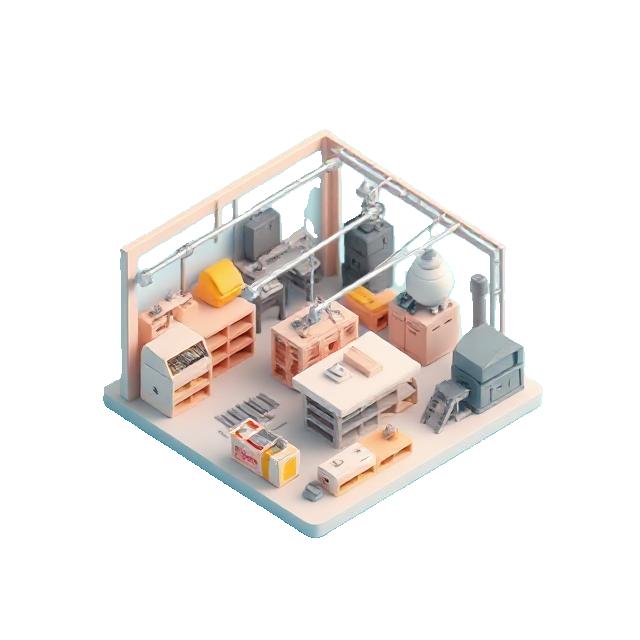
The manufacturing app is designed to support efficient production process management, resource optimization, and quality monitoring. It provides modern solutions that enable businesses to achieve higher productivity and keep production operations running smoothly.
Key features of the app for manufacturing:
- Production Planning: It enables the creation of detailed production plans based on orders and resource availability.
- Monitoring of production processes: It provides live data on every step of the production process, including machine status and employee activity.
- Materials Management: Manage raw materials and components, track inventory levels, and automatically order the necessary materials.
- Quality Monitoring: Integration of quality controls during production, as well as generation of reports on its results.
- Performance Analysis: Visualise key data on productivity, machine maintenance and production efficiency.
- Automation: Possibility to automate repetitive processes to improve performance and reduce errors.
- Integration with warehouse management: Interconnection of warehouse software for efficient management of production and distribution of finished products.
- Predictive maintenance: Automatic alerts of potential machine problems to prevent machine failures.
This app provides businesses with the tools to better manage production, reduce costs, and improve overall product quality.
"If you have a specific type of production or features that you want to develop, we will be happy to add it!"

- Emma - AI Production Manager, Manager WorkTop

Registry module
The registry application, which is connected to all agendas, is an ideal solution for centralizing and efficient management of company documentation and records. It is designed to provide seamless integration with other systems and agendas, increasing productivity and reducing administrative burden.
Key features of the app:
- Document Centralization: It allows you to keep all your records, documents, and files in one place with easy access.
- Connection with agendas: Integration with all departments of the company, such as accounting, human resources, warehouse management and more.
- Search and organization: Advanced functions for searching and categorizing documents by date, type, department or project.
- Process automation: Automatic generation of necessary documents, registry records or notifications.
- Access management: Set different levels of access for individual employees according to their roles and responsibilities.
- Legislative Compliance: Compliance with current legal regulations and archiving of documents in accordance with requirements.
- Analytics and reports: Reports on the use of documentation and records to improve work processes.
- Interface Flexibility: Possibility of remote access via computer and mobile devices.
This application simplifies work with registry, enables better coordination between agendas and ensures the safe storage of company data.
"If you have specific requirements for functions, we will be happy to develop them further!"

- Sophia - AI Records Manager, Manager WorkTop

Module E cash register
E-cash register is a digital solution that simplifies the processing and recording of sales, as well as cash management in business. This tool is especially suitable for retail operations, restaurants, cafes, and other businesses that work with sales transactions.
Key features of e-checkout:
- Records of sales: Capture every sale quickly and easily.
- Receipt generation: Automatically print receipts or send them to customers by email.
- Tax administration: VAT calculations and generation of tax documents based on current legislation.
- Inventory Tracking: Link to inventory management features to update inventory status after each sale.
- Reports and analyses: Visualization of daily, weekly or monthly turnover and other important data.
- Integration: Possibility of interconnection with accounting or warehouse systems.
- Mobile Accessibility: Smartphone apps that allow you to manage your e-cash register remotely.
- Safety: Encrypted transactions to protect data from unauthorized access.
E-checkout offers a modern and efficient sales management solution that saves time while reducing the administrative burden.
"If you have specific requests or ideas for expansion, we will be happy to process them!"

- Peter - AI Cash Register Manager, Manager WorkTop

Application for restaurants and the "cookbook" module
The restaurant app and the "cookbook" module are designed to ensure efficient management of restaurant operations while supporting the smooth functioning of the kitchen. It is a modern tool that combines administrative, service and kitchen processes into one system.
Key features of the app:
- Order management: The module allows you to record and track orders from customers, including service functions such as table distribution or order time tracking.
- Cookbook: A practical module designed for the kitchen, which automatically sends orders from the staff directly to the cooking team and monitors the status of food preparation.
- Menu and recipes: The ability to set and customize menus, store recipes, and track the cost of individual items.
- Stock: Automatic monitoring of raw material inventory, with low level alerts and the possibility of integration with warehouse management.
- Payments and billing: Comprehensive management of payments from customers, VAT calculations and generation of tax documents.
- Reservations: A module for organizing table reservations to avoid unnecessary complications in the operation.
- Reports and analyses: Visualization of data on turnover, the most popular menu items, and team performance.
- Integration: Connection with e-cash register, warehouse system or marketing tools to extend functionality.
This app makes restaurant management easier, improves communication between the waiter and the kitchen, and helps optimize operating costs. The "cookbook" module is especially useful for organized and smooth kitchen preparation of meals.
"If you have specific requirements or questions about this process, we will be happy to address them!"

- Lucy - AI Gastro Manager, Manager WorkTop

Car Driving Module
The driving module is an important part of applications aimed at managing and monitoring vehicles and their movement. This module enables better control and efficiency of rides for drivers, companies with fleets of vehicles, but also for ride-sharing systems.
The main functions of the car driving module:
- Route tracking: GPS navigation and ride recording. Saving routes for later analysis.
- Optimization of rides: Suggestions for the fastest or most economical routes. Overview of fuel consumption and emissions.
- Records of trips: Recording the time, distance and cost of each trip. Creating reports for drivers or fleet managers.
- Safety features: Speed and driving style monitoring (hard braking, fast acceleration). Alerts for speeding or changes to permitted routes.
- Integration with systems: Connection to a warehouse system, vehicle maintenance application or invoicing systems. Data sharing between modules to support efficiency.
- Vehicle maintenance: Reminders for service inspections based on mileage. Diagnosing technical problems during rides.
- Interactivity: Possibility for the driver to enter notes about driving (e.g. traffic problems, breaks). Function for easy incident reporting.
- Order management: Centralized order management, including priority deliveries. Notifications about received, prepared and delivered shipments.
E-checkout offers a modern and efficient sales management solution that saves time while reducing the administrative burden.
"The driving module improves the management and organization of rides, increases safety and allows for better analysis for further decision-making.!"

- Mark - AI Fleet Manager, Manager WorkTop
Visual dashboard interface
The dashboard's visual interface is a key element that ensures that the user experience is intuitive, aesthetically pleasing, and functional. Such a design should be designed to present important data in a clear and understandable way, while allowing the user easy access to the information.
Important aspects of the dashboard's visual interface:
- Easy-to-understand navigation: The logical structure and clearly defined sections allow for quick orientation.
- Efficient data visualization: Use charts, tables, indicators, and icons to represent your data in a way that is easy to read and understand.
- Personalization: An interface that allows you to customize content according to the needs of individual users (selection of metrics, arrangement of widgets).
- Modern design: Minimalist style, harmonious color palette (for example, a combination of blue and white) and elegant typography.
- Interactivity: Features for filtering, zooming in on charts in detail, and displaying additional data as you interact (such as clicking or hovering).
- Responsive Design: Optimized for a variety of devices, from large monitors to smartphones.
- Key metrics at a glance: Placement of the most important indicators (KPIs) in a visible place for immediate orientation.
Example visual interface structure:
"If you have a specific idea about the type of dashboard, its use, or the features you want to include, we will be happy to help you design or create a detailed description!"

- Alex - AI Report Manager, Manager WorkTop
Lifestyle Interface
Manager WorkTop It makes it easier to keep an economic overview of your lifestyle.
Easy prototyping
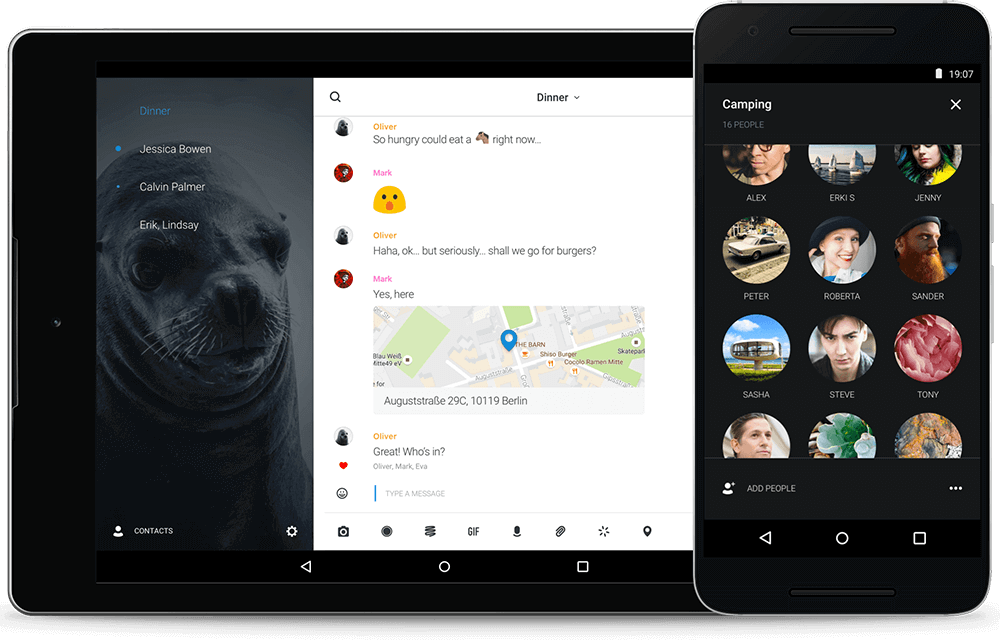
Simple prototyping is a process that allows for the rapid creation of functional models or product or system designs. This approach is used to effectively test concepts, simplify communication with the team and clients, and accelerate project development.
Sensor bridge
Module link tracking is a process that allows you to monitor the interactions and interrelationships between different modules in a system. This process is especially important in software or technology projects, where the individual modules depend on each other to function correctly
Strategy
Strategic thinking is an essential element of success in any field, whether it is business, sports, politics or life decisions. The strategy includes planning long-term goals, making efficient use of available resources, and anticipating challenges that may arise.
Artistic direction
The artistic direction in the design of economic applications involves the creation of a visual identity and user interface that not only simplify operation but also aesthetically delight users. This approach combines functionality and creative visuals to make the app feel professional and attractive.
Managerial superstructure for an advanced solution
A management superstructure is an advanced solution that provides companies with tools to better manage and supervise various processes and operations. It can be integrated with existing systems to extend their functionality and support decision-making based on analytical data. This app supports.